Search for and Filter Specifications (Android)
Objective
To use the search and filter options to find a specific specification in the project's Specifications tool with your Android mobile device.
Things to Consider
- Required User Permissions
- Additional Information:
- If your project uses specification areas to organize specifications, you can only search specifications in one area at a time. See What are Specification Areas?
Steps
Search for Specifications
- Navigate to the project's Specifications tool on your Android device.
- Enter a word or phrase in the Search bar.
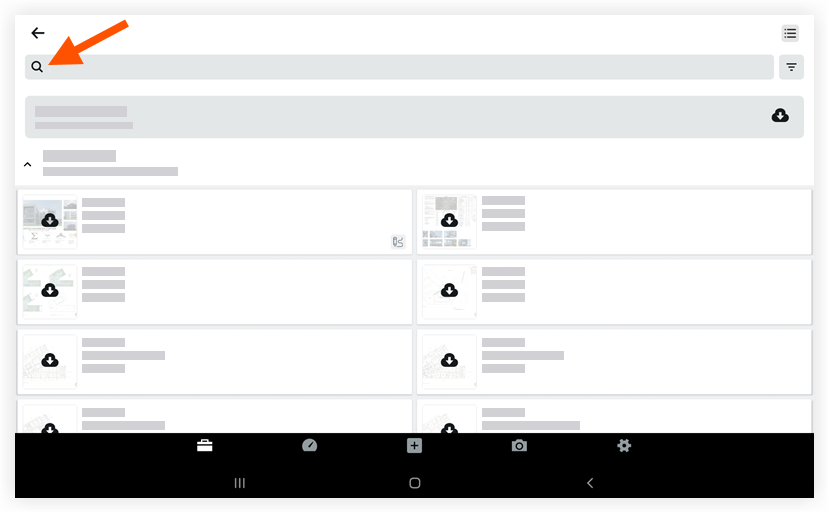
The following data can be searched:- Number
- Title
- Set Name
- Division
- Vector text on specifications
- As you type, Procore will update with the search results.
- Tap to select the specification you want to view.
Note: If you are searching for text that appears in specifications, Procore highlights the search term on the specifications where it appears.
Filter Specifications
- Navigate to the project's Specifications tool on your Android device.
- Tap the Filter
 icon.
icon.
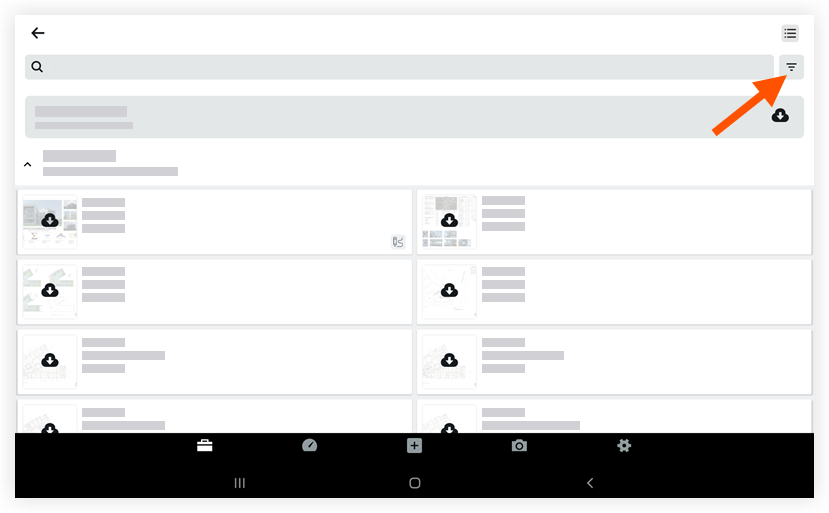
- Mark the checkboxes next to the divisions you want to filter by.
- Tap Apply.