Filter Submittals (Android)
Objective
To use the filter options to locate items in the Project level Submittals tool from your Android mobile device.
Things to Consider
- Required User Permissions:
- 'Read Only' or higher permissions on the Submittals tool.
- Additional Information:
- This asset/item can be viewed or edited in offline mode provided that the asset/item was previously viewed and cached on your mobile device.
Steps
- Navigate to the project's Submittals tool on your Android mobile device.
- Tap Filter
 .
.
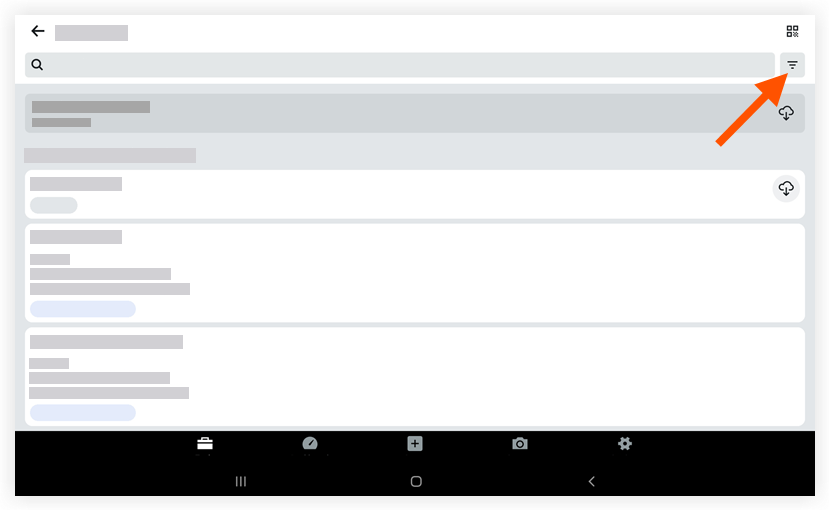
- Tap to apply one or more of the following filters:
- Sort By: Tap to filter items by 'Specification Section' or 'Package.'
- Ownership: Tap to filter items that belong only to you.
- Status: Tap to filter items by 'Open' or 'Closed.'
- Location: Tap to filter items by a specific location.
Note: To clear applied filters, tap Reset. Filters will be applied to the submittals list page until reset.
- Tap Done.
If you would like to learn more about Procore's submittals management software and how it can help your business, please visit our construction submittals software product page  .
.
.