Export a Timecards Report
Objective
To export the Company level Timecards report.
Things to Consider
- Required User Permission:s
- 'Admin' level permissions on the company's Timecards tool.
AND - 'Admin' level permissions on the company's Reports tool.
- 'Admin' level permissions on the company's Timecards tool.
- Supported Export File Formats:
- Portable Document File (.pdf)
- Comma Separated Values (.csv)
- Intuit Interchange Format (.iif) (If enabled with Timesheets tool)
Prerequisites
- See Configure Your Company For The Timecard for steps to take before you can first add a Timecard entry.
Steps
- Navigate to the company's Timecard tool.
- Click Reports.
- Click Timecard Report.
This opens the Timecard report in the company's Reports tool. - Click Export.
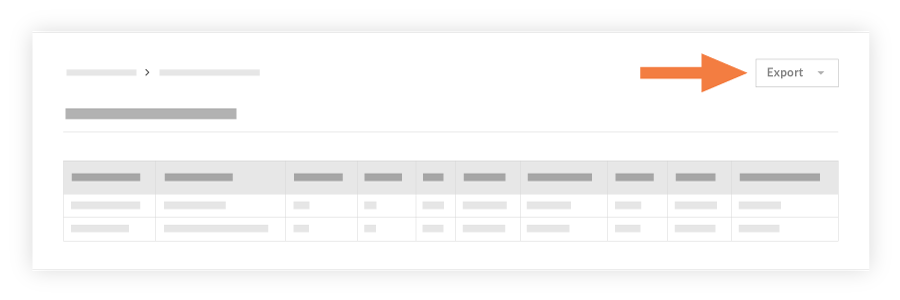
- Choose one of the following options:
- PDF: This exports a copy of the report to the PDF format.
- CSV: This exports a copy of the report to a comma-separated values file.
- Quickbooks (if enabled): This exports a copy of the report to an IIF file.