View a Workflow on a Project
Objective
To view an in-progress workflow associated with a project level item.
Things to Consider
- Required User Permissions:
- 'Admin' level permissions on the Company Directory tool.
OR - Users with at least 'Read Only' permission to the tool containing object using the workflow and access granted to view any items marked as private.
- 'Admin' level permissions on the Company Directory tool.
- Certain actions within a workflow that are only available to Company Directory admins, Workflow Managers, and users with the following granular permissions:
- Users with the 'View Complete Workflow History as Workflow Participant' granular permission enabled on their permissions template. See Grant Granular Permissions in a Project Permissions Template.
OR - Users with the 'View Previous Step History Only' granular permission enabled on their permissions template. See Grant Granular Permissions in a Project Permissions Template.
OR - Users with the 'View Workflow Templates' granular permission enabled on their permissions template. See Grant Granular Permissions in a Project Permissions Template.
- Users with the 'View Complete Workflow History as Workflow Participant' granular permission enabled on their permissions template. See Grant Granular Permissions in a Project Permissions Template.
Steps
- Navigate to the project tool and item containing the workflow.
- Click Show Workflow.
See below for more information on the available actions when viewing a workflow:
- View Workflow Templates
- View Complete Workflow History as a Workflow Participant
- View Previous Step History Only
Workflow Actions
The following actions are available to users with the required user permissions:
View Workflow Templates
View the workflow template of the item. This lets you view the workflow template bcbng used on the item.
Steps:
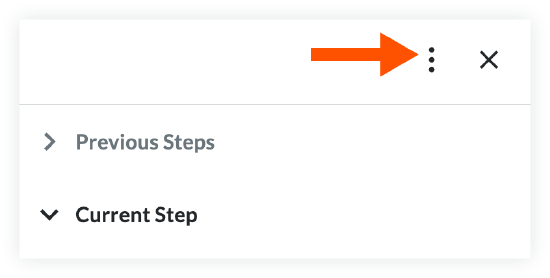
- Click the vertical ellipsis at the top of the workflow side panel.
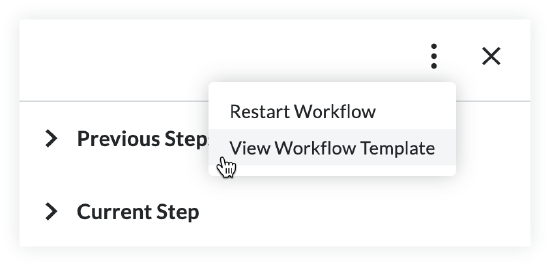
- Click View Workflow Template.
- You can now view the entire workflow template. Click the individual steps to see additional details.
View Complete Workflow History as a Workflow Participant
View the entire response history of the workflow you are viewing.
Updates to Side Panel Workflow History:
To make it easier to understand what happened in a workflow, the side panel history now shows the results of condition steps within the workflow. This will help explain why a workflow followed a specific path by showing the conditions that were met.
Steps:
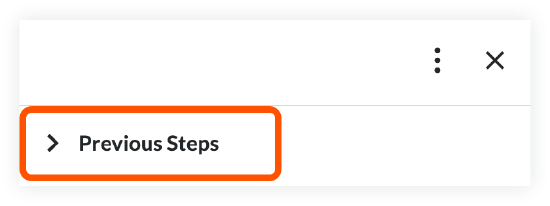
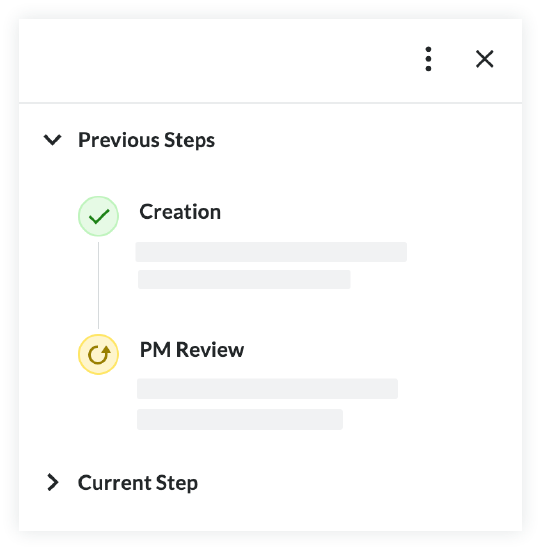
- Click Previous Steps in the workflow side panel to view each previous step and its details.
View Previous Step History Only
View the details of the previous step in the workflow's response history.
Steps:
- Click Previous Steps in the workflow side panel to view the previous step and its details.