Rename Drawing Disciplines
Objective
How to rename drawing disciplines in your Drawings log.
Things to Consider
- Required User Permissions:
- 'Admin' on the project's Drawings tool.
Steps
- Navigate to your project's Drawings tool.
- Click the vertical ellipsis
 icon next to the discipline you want to rename.
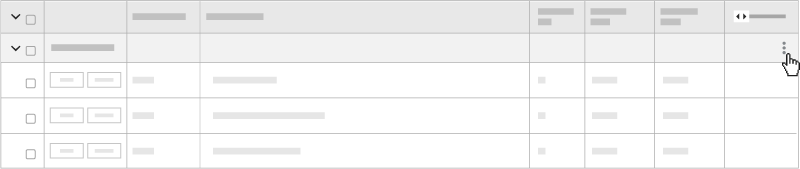
- Click Rename.
- Enter the name in the field.
- Click out of the field to save.
See Also
If you would like to learn more about Procore's construction drawings software and how it can help your business, please visit our construction drawing management software product page  .
.
.