Create a Tag to Filter Emails
Objective
To create tags to filter messages in your project's Emails tool.
Background
The Emails tool gives users the ability to create tags that can be applied to messages stored in the Emails tool. Once tags are applied to your emails, users can click the individual tags in the Tags menu to view all the email messages associated with that tag.
Things to Consider
- Required User Permissions:
- 'Admin' level permissions on the project's Emails tool.
Steps
- Navigate to the project's Emails tool.
- Click + Create Tag.
- In the Tag Name box, enter a name for the tag.
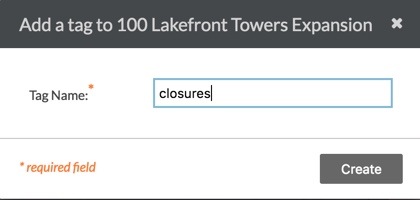
- Click Create.
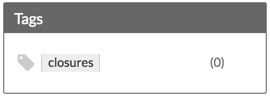
The system adds the new tag to the Email tool's 'Tags' list as shown below.
Next Steps
See Also
If you would like to learn more about Procore's email management software and how it can help your business, please visit our construction email management software product page  .
.
.