Copy a Project Single Tool Report
Objective
To clone or copy a custom project report.
Background
Making a copy of a report allows you to quickly create a new report with the same data and visualizations from the original report.
Things to Consider
- Required User Permissions:
- Access to the report as:
- Creator. See Create a Project Single Tool Report.
OR - Viewer (if shared) with 'Standard' level permissions or higher on the Project 360 Reporting tool.
- Creator. See Create a Project Single Tool Report.
- Access to the report as:
- Additional Information:
- You can copy reports that you have created, as well as any reports that have been shared with you.
- Once a user copies a report, their copy only has information that they can see. If you update the source report, it does NOT update the copied one.
Steps
- Navigate to the Project 360 Reporting tool.
- Locate the desired report in the list under 'My Reports'. Click the vertical ellipsis (⋮) and choose Make a Copy.
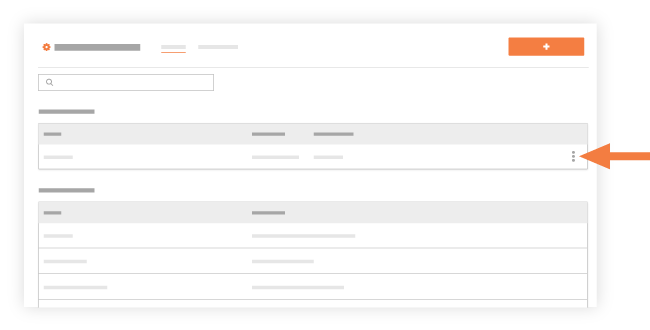
OR
Click the report's name in the My Reports list to open it and then click Make a Copy.
A banner displays to confirm the report was successfully copied.
You are redirected to the edit page for the copied report. - Optional: Update the copied report as needed and then click Update Report.