View the Distribution History of a Custom RFI Report
Objective
To view the distribution history of a custom RFI report listed in the RFIs tool.
Things to Consider
- Required User Permission:
- 'Admin' level permission on the Project level RFIs tool.
AND - 'Admin' level permission or higher on the Project level Reports tool.
- 'Admin' level permission on the Project level RFIs tool.
Demo
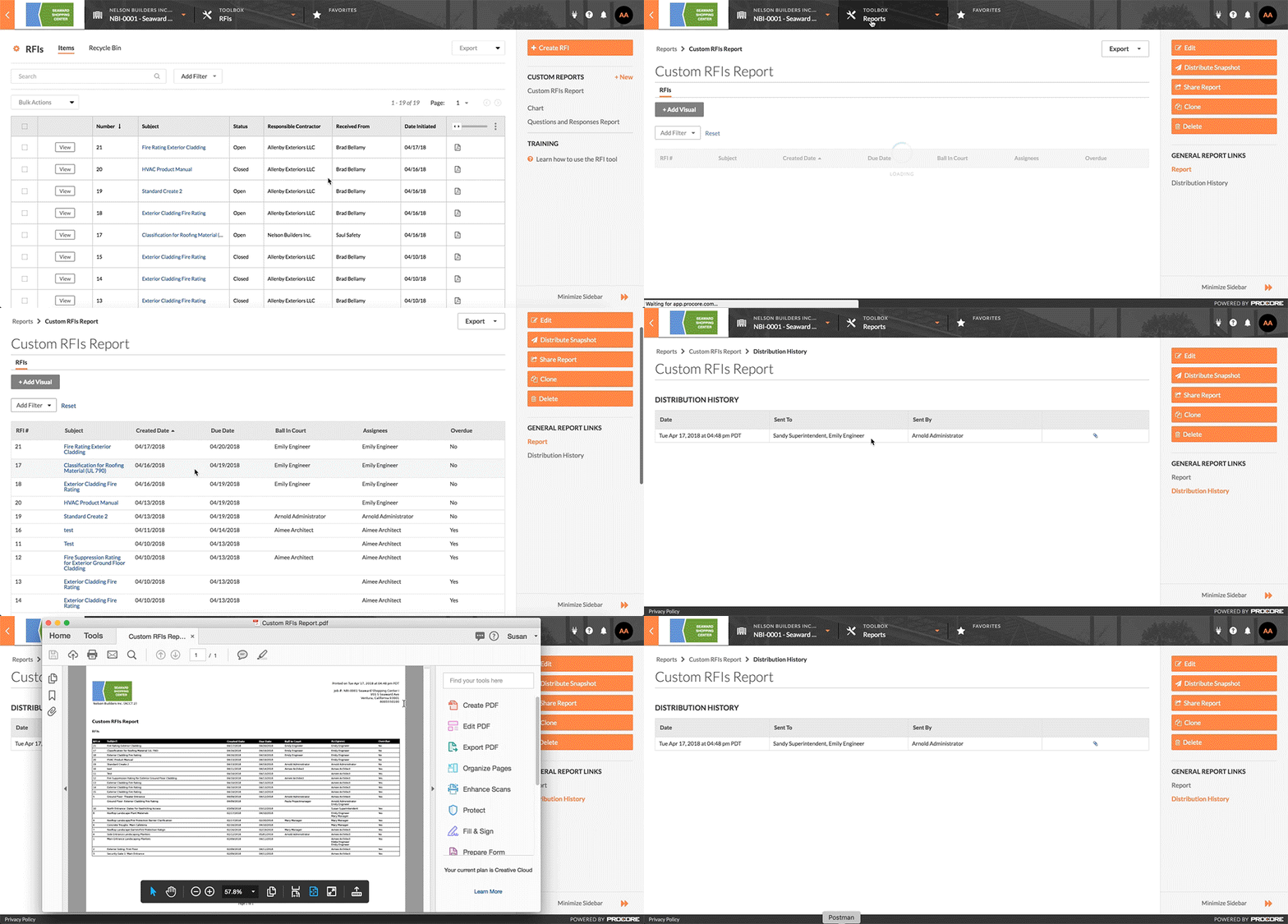
Steps
- Navigate to your project's RFIs tool.
This reveals the RFIs page. - In the right pane, click the desired report.
This launches the Project level Reports tool and opens the selected report. - Under General Report Links, click Distribution History.
This reveals a list of individuals to whom the report has been distributed.
See Also
If you would like to learn more about Procore's RFI software and how it can help your business, please visit our request for information (RFI) construction software product page  .
.
.