Preview a Tender as a Tenderer in Portfolio Financials
Objective
To preview a tender as a tenderer in Portfolio Financials.
Background
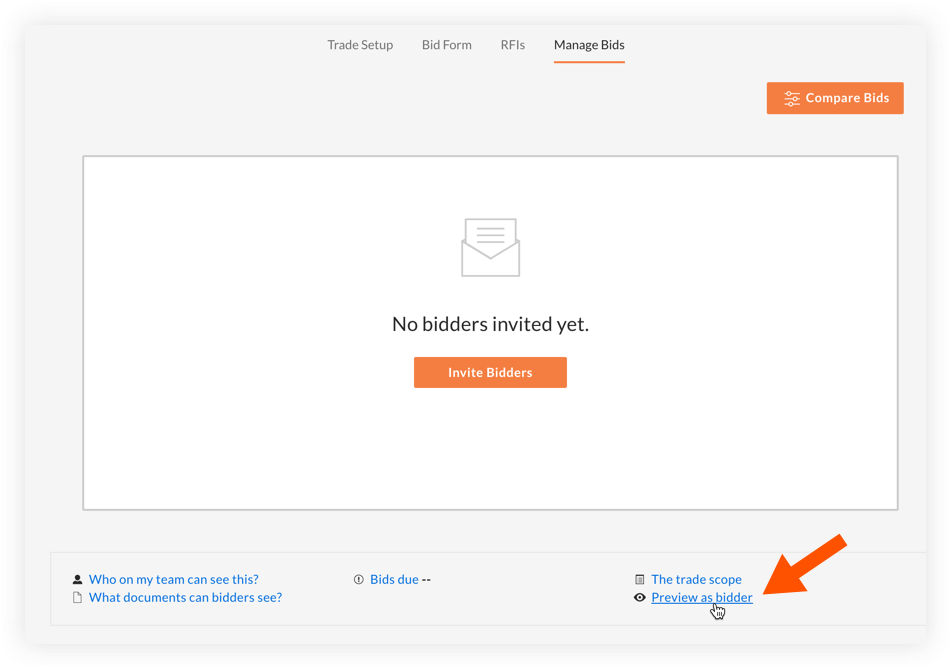
The 'Preview as Tenderer' feature allows you to preview what tenderers will see when they access the Tender Room. This is a great way to make sure that your documents, schedule items, and tender form are exactly as intended.
Things to Consider
- Required User Permissions:
- 'Limited' access to the project or higher.
Note: Users with 'Limited' access must be on the Tender Room Team for the project.
- 'Limited' access to the project or higher.
Steps
- Navigate to the relevant Tender Room.
- Click the Manage Tenders tab.
- Click the Preview as bidder link.