Create a Prime Contract in Procore Estimating
Objective
To to create a purchase order from an estimate for a project in the standalone Procore Estimating application.
Things to Consider
- Required User Permissions:
- 'Admin' level permissions to the project's Estimating AND Budget tools.
- Additional Information:
- The estimate has to be sent to the budget before you can create a prime contract.
Steps
- Log in to Procore Estimating and select the relevant project.
- Click the Estimating tab.
- Select the estimate.
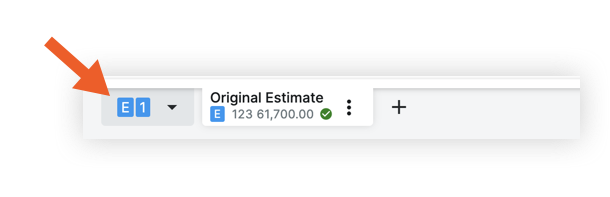
- Click the Actions menu.
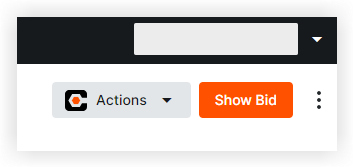
- Select Create Prime Contract.
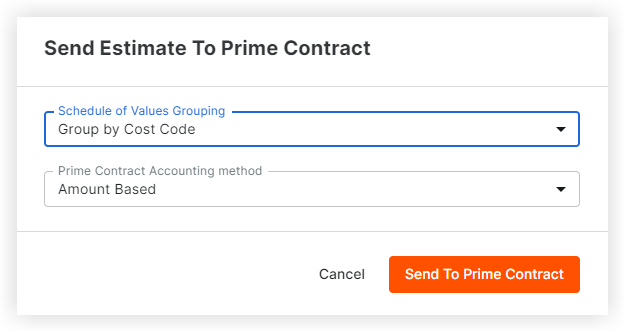
- Choose grouping and accounting options.
- Click Send to Prime Contract.