Delete a Document from the Project Page in Portfolio Financials
Objective
To delete a document from the Project Page in Portfolio Financials.
Background
The Documents section of the Project Page in Portfolio Financials is where important documents related to the project can be stored and accessed.
Things to Consider
- Required User Permissions:
- 'Limited' access to the project or higher.
- Additional Information:
- Deleted documents cannot be restored.
Steps
Warning
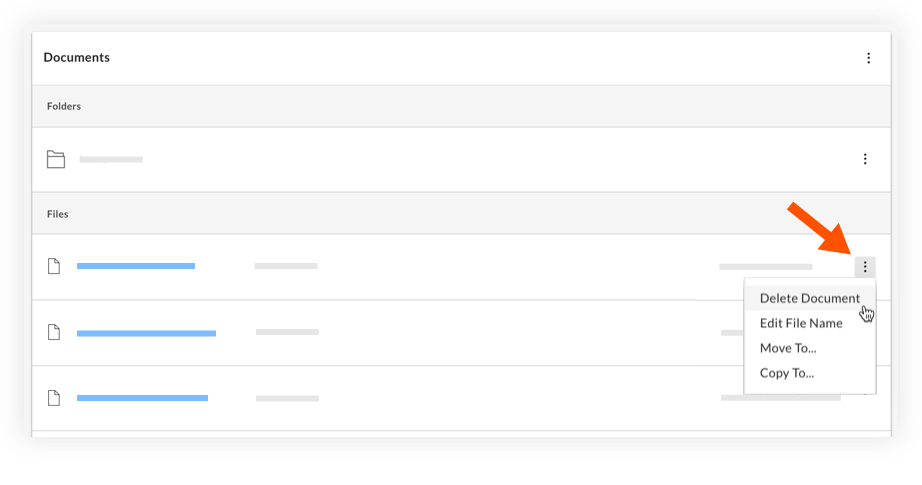
When you delete a document from the Project Page, it is permanently deleted and cannot be restored.- Navigate to the relevant project and scroll to the Documents section.
- Click the vertical ellipsis
 icon and select Delete Document.
- Click Delete to confirm the deletion.